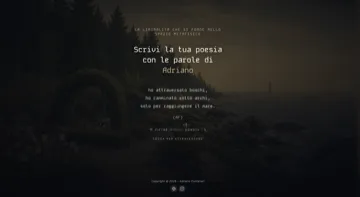
No daily notes? Pin any line or any note in one click.
Tasks
Checkboxes in today's note. Tasks plugin items due or scheduled today, anywhere in the vault.
Tick one in Casa and it's ticked in your note.
Calendar
Google, Outlook, iCloud and others: paste your calendar's private address once.
Google: Settings › your calendar › Secret address in iCal format. The link stays in Casa's settings in your vault and is only used to read your events.
People
One note per person, linked from meetings or daily notes.
Orbit builds its map from those links. Needs the Orbit pack.
Not a task person?
Journal, research or a wiki: the room still shows the weather, your calendar, the season, your post-its and the quotes from your quotes note.
Casa writes only when you do. New and ticked tasks go into today's note. Post-its and quick notes go into a folder you choose. Everything else stays read-only.
Make it yours
Anything you own can move in.
The library you loved on a trip, your desk, a small detail you don't want to forget. Bring them into your room, and each one shows something from your notes.
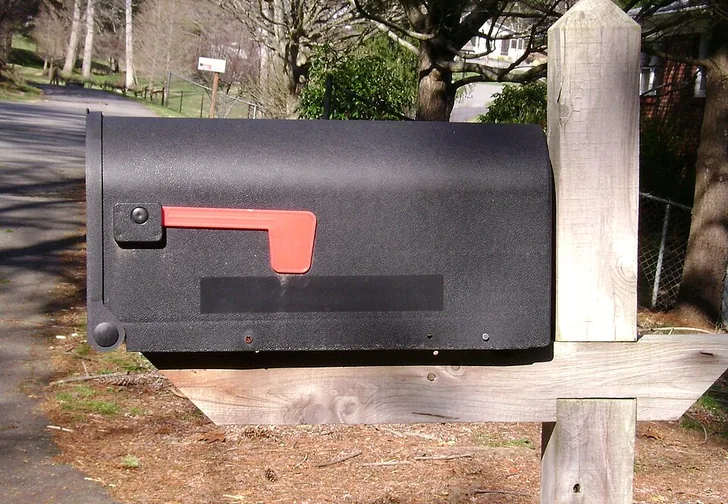
In Casa. It holds your Inbox folder: new notes arrive as letters and the flag goes up.
EXAMPLE · WHAT YOU COULD ASK CLAUDE
my-mailbox.jpgyour photo
Turn this into a Casa object that shows my Inbox folder
✓ Drawn by Casa's pixel engine. It's by the garden gate.
Want a new object?
Take a photo of something you love.
Send it to your own Claude: it describes the object.
Casa's pixel engine draws it in the room's style, on your computer.
Optional, with your own Claude account. Casa itself needs no AI.
Focus · pack
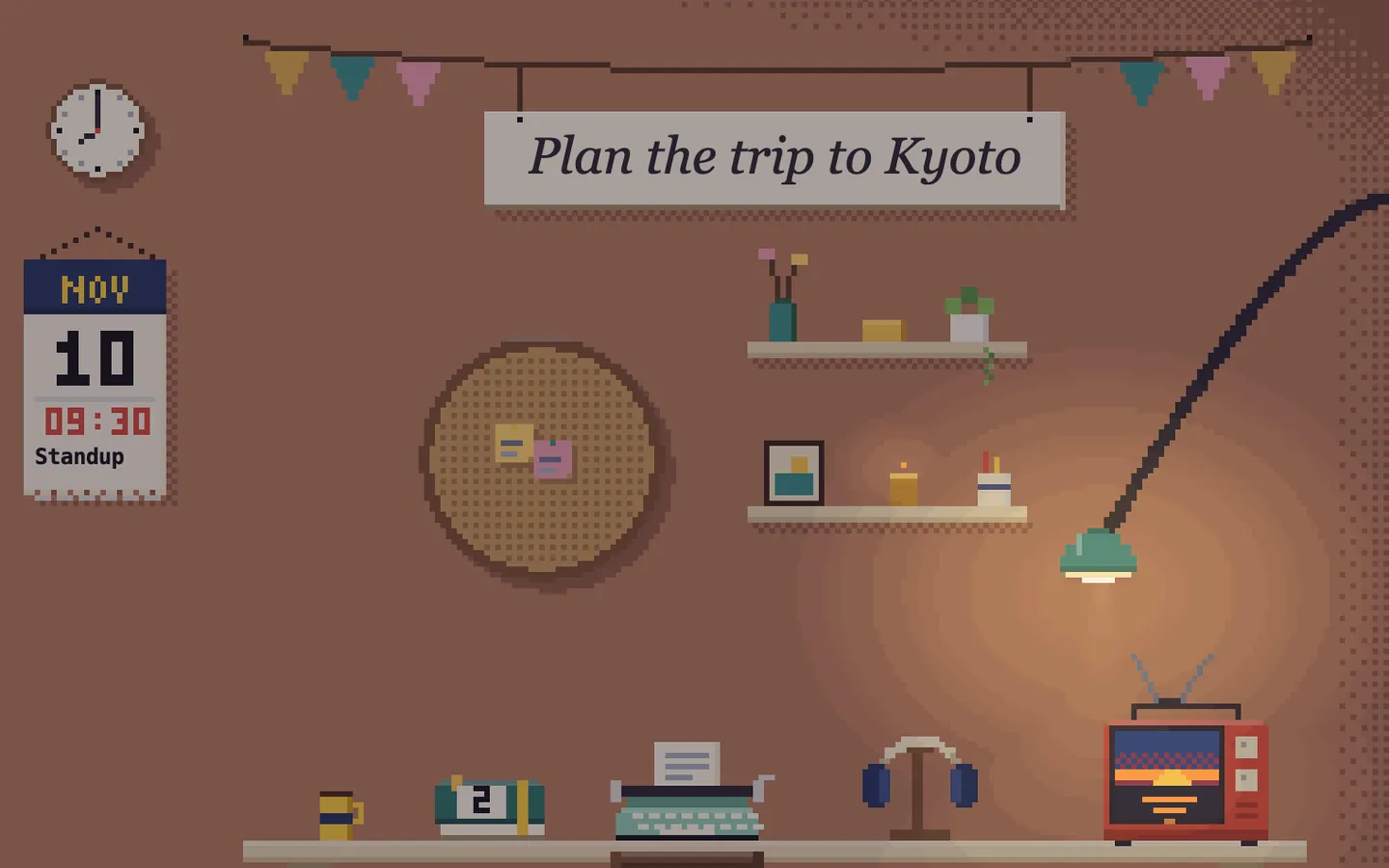
Your day, hour by hour.
The agenda with today's tasks is free, in your room. Focus is for working days: your day hour by hour, a chair that tells you to stand up, and a backpack with every file in your vault.
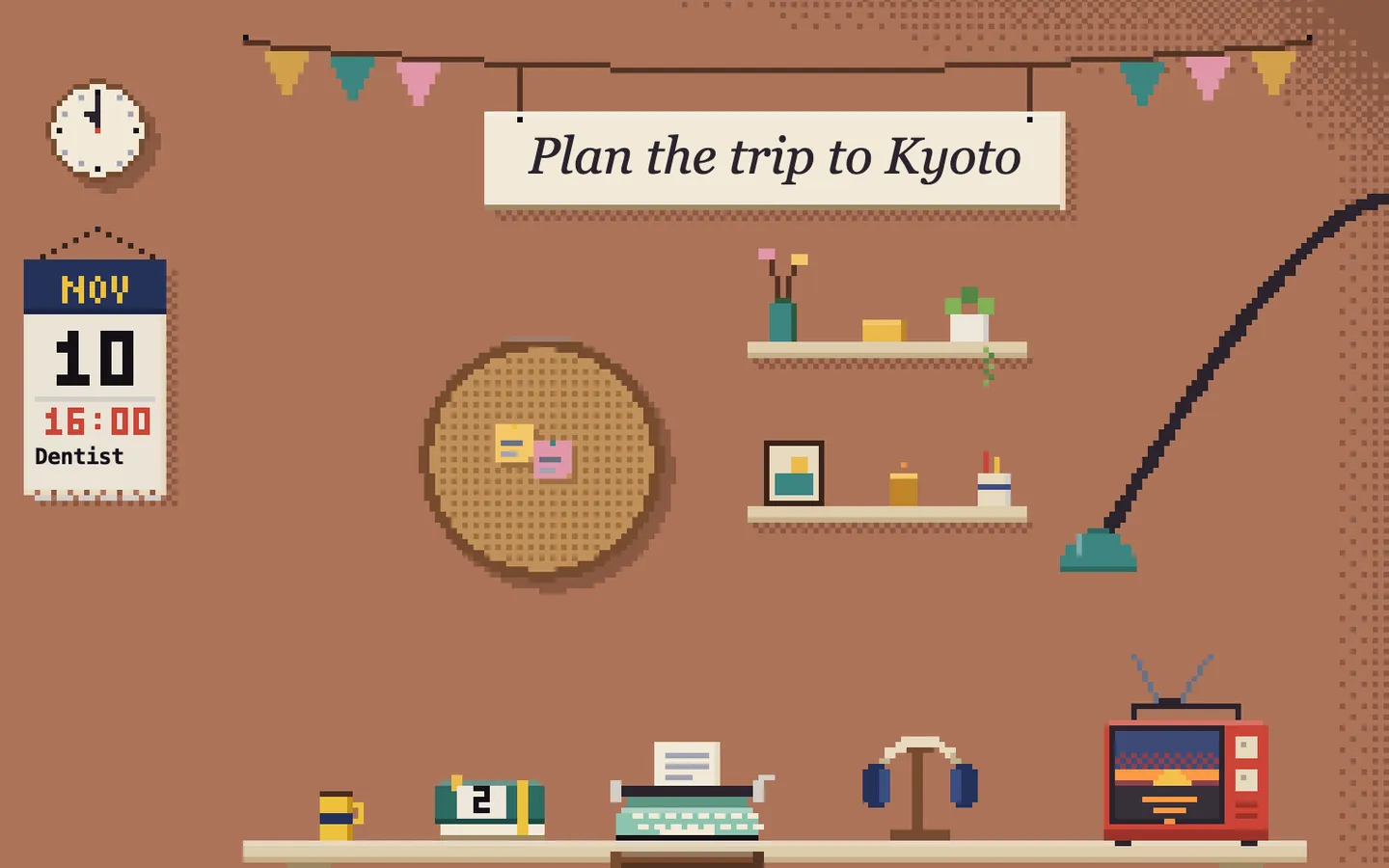
08:00
Morning. Today's goal on the sign, the first meeting on the calendar.
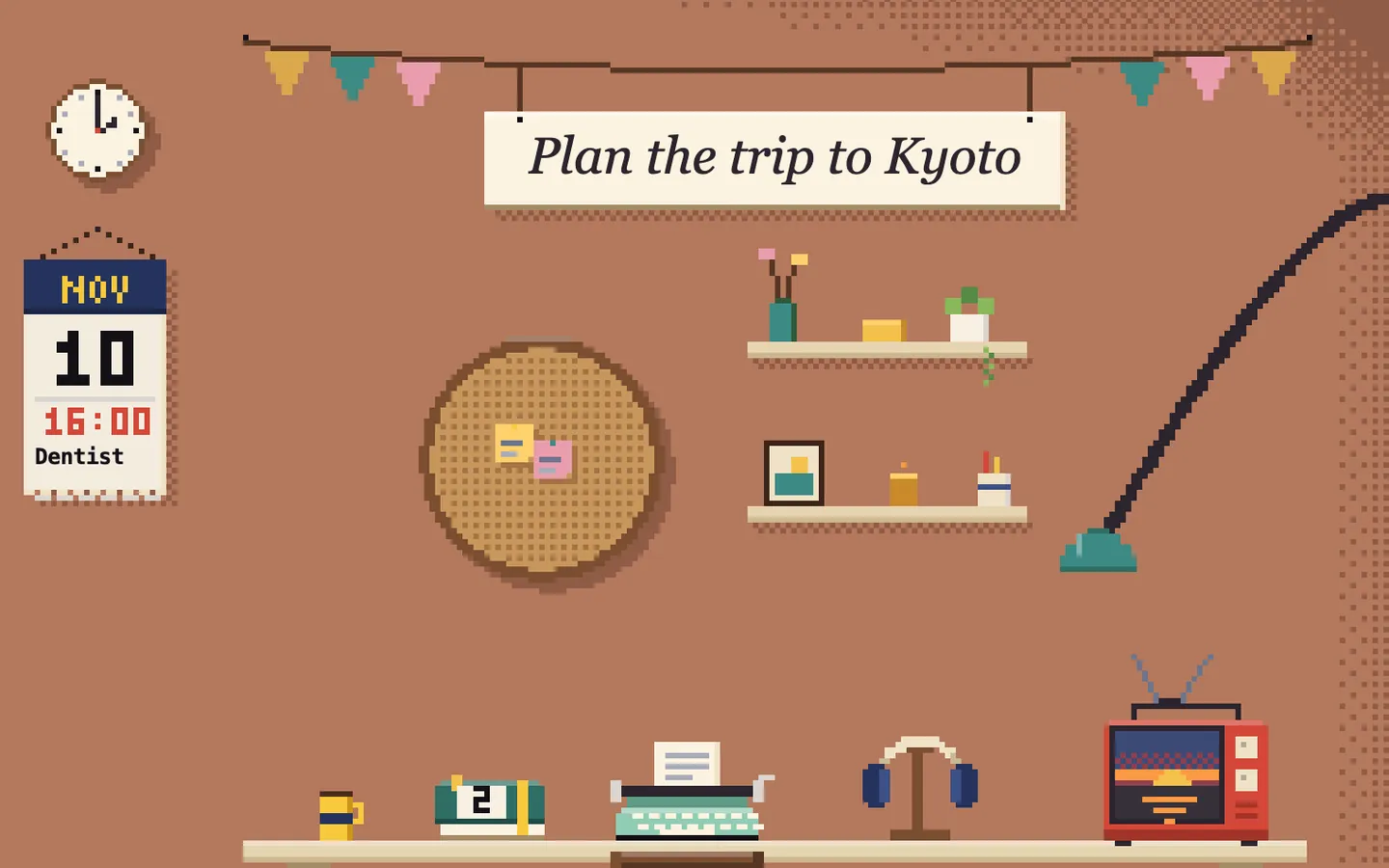
Late morning. The agenda on the desk counts today's tasks.
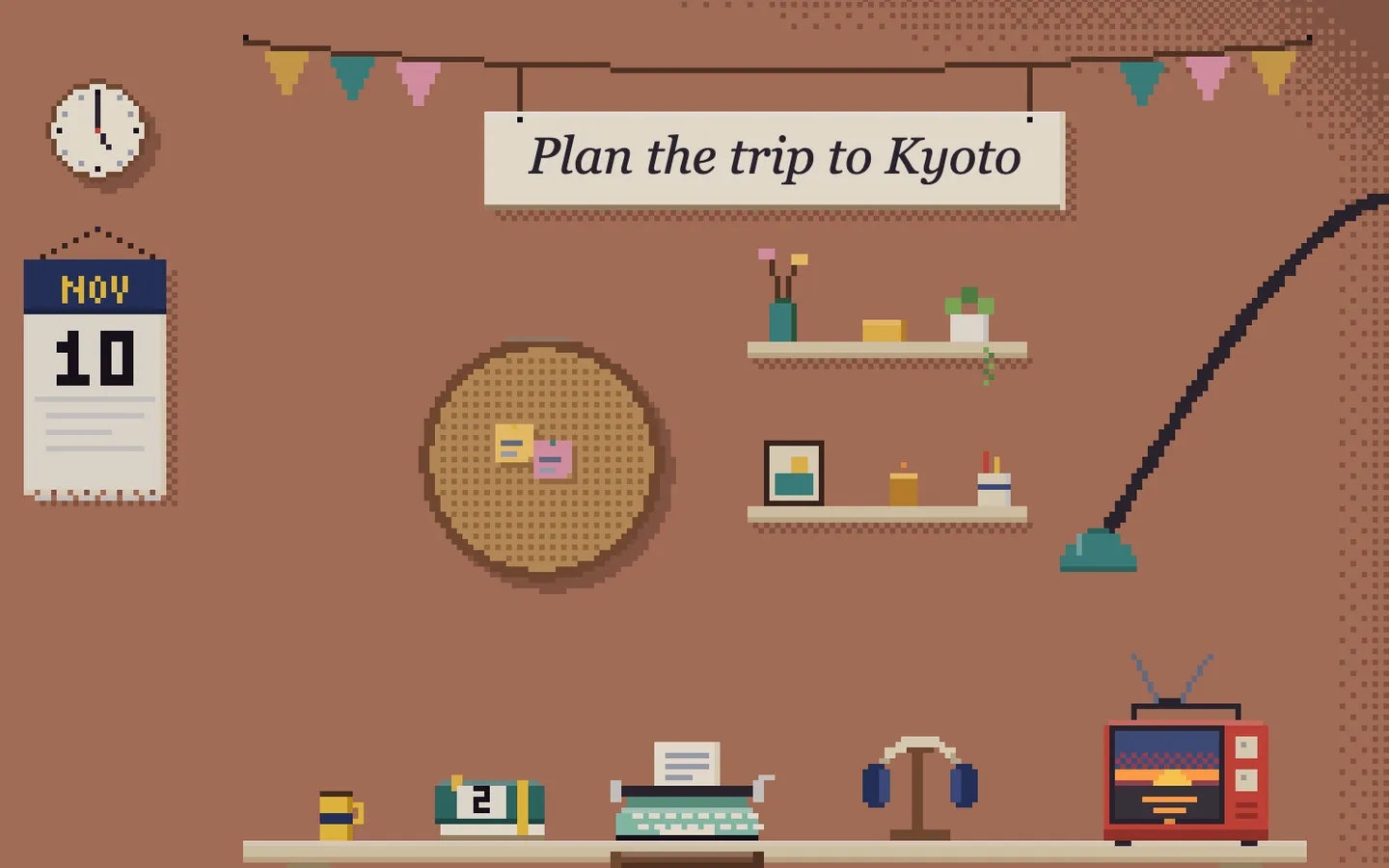
Afternoon. What's next is one glance away.
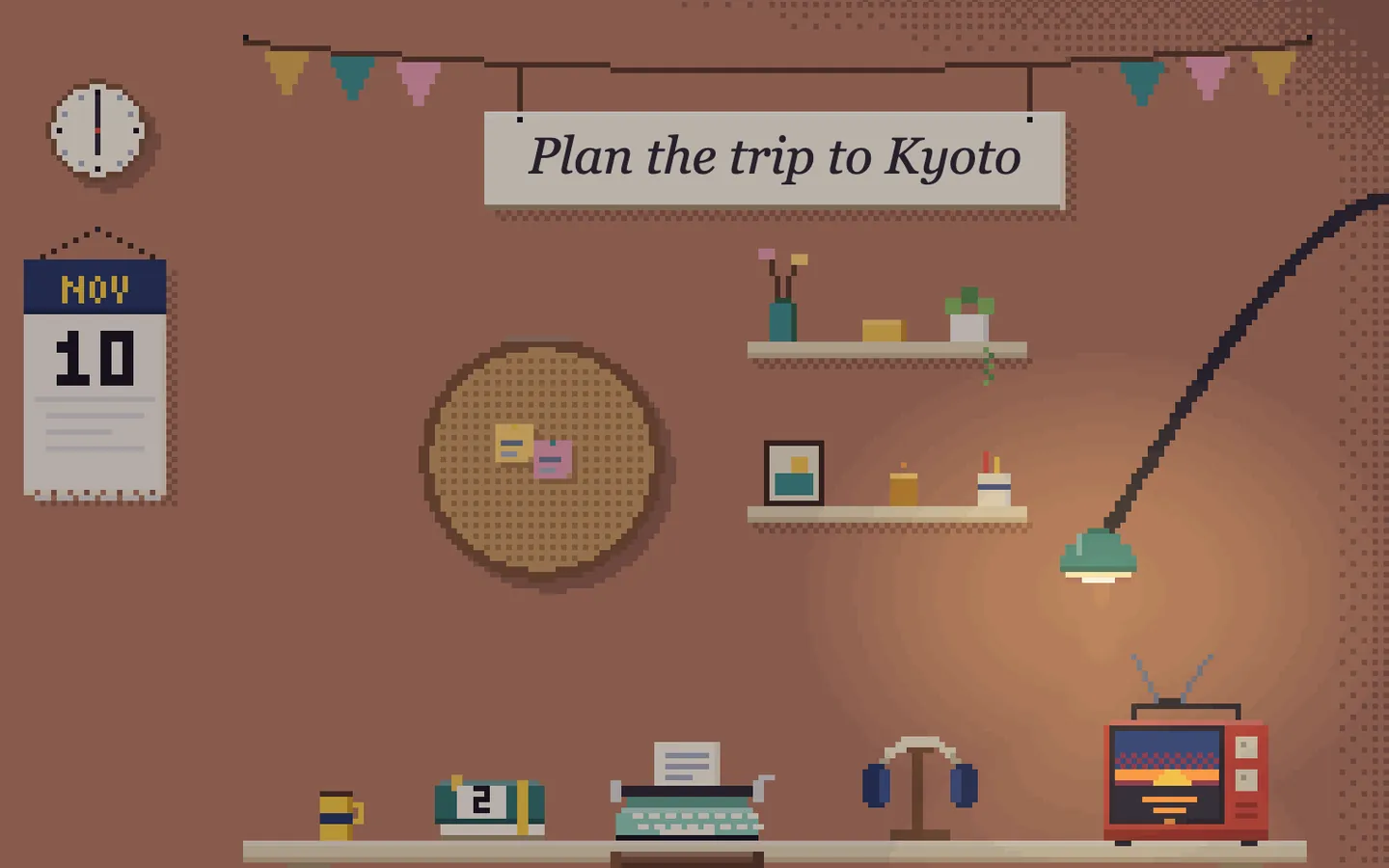
Late afternoon. Done events fade. The next one waits at the top.
Friends, family and clients, straight from your notes: one note per person, linked from your meetings and daily notes. Before you meet someone, Orbit hands you the card.
Never miss a promise.Every card shows the next step you promised, with its date. Plan it, put it in your calendar, log the follow-up.
See who you haven't talked to in a while.A bar on each card shows how long since they last came up in your notes.
Work and personal, apart.One switch: clients and colleagues, or friends and family. Search anyone in a second.
For stressful days. Say what's going on and it shows only what helps now: self-help exercises based on CBT and ACT, a daily journal, a breathing light. Hang the do-not-disturb sign and the room goes quiet. Not therapy.
Install it from Obsidian's community plugins. The free room is yours forever: packs only add to it, they never take anything away.
The packs aren't on sale yet. When they are: one price, paid once, no subscription. A pack keeps working offline, even if development stops.
Made by one person in Italy.
Questions.
Does it work on Windows and Linux?
Yes, anywhere Obsidian desktop runs.
Obsidian mobile?
Not yet. Casa runs on Obsidian desktop: Mac, Windows and Linux.
What's free and what's paid?
The room is free: today's goal, the agenda with your tasks, the seasons, the buddy, the weather and your calendar. Focus (the chair, the backpack, your day hour by hour), Orbit, Living and Lighthouse are packs, coming soon.
When can I get the packs?
Not yet. Join the waitlist under Pricing: tick the packs you want and you get one email when they're out.
Does it work offline?
Yes. Casa reads your vault on your computer, so the room, your tasks and your notes work without internet. Weather and calendar refresh when you are online.
Will it see my tasks and my calendar?
Tasks: checkboxes in today's note and Tasks plugin items due or scheduled today, anywhere in the vault. Calendar: paste a private calendar link (ICS) from Google, Outlook, iCloud or others.
Does Casa change my notes?
Only when you do something in it: tick a task, add a post-it or a quick note. Nothing else is touched.
Do I need AI?
No. Casa works without AI. If you want a new object, you can ask your own Claude to make one; that needs your own Claude account and is optional.
Can I use it on a work computer?
Casa is listed in Obsidian's community plugins, which Obsidian reviews before listing, and its code is in a public GitHub repository your IT team can read. The licence allows use at work. With the online features off (weather, air quality, webcam, music, calendar), the free room makes no network request.
Is Casa open source?
Not quite: it's source-available, under the PolyForm Noncommercial licence with an added permission for use at work. Every line is on GitHub. You can use Casa for free at home and at work, change it and share it for free, as long as you credit its author. Selling it, or putting it in a paid product, needs a commercial licence: ask the author.
I already have a Dataview homepage. Why Casa?
Casa is something to glance at, not a query to maintain: today's goal, the next meeting and the weather in one picture you keep open next to your notes. If your homepage already gives you that, you may not need Casa.
Several vaults, or a synced vault?
Casa is installed per vault, like every Obsidian plugin, so each vault gets its own room. Its settings live in the vault's .obsidian folder, so they sync if you sync that folder.
Is Lighthouse therapy?
No. It offers self-help exercises based on CBT and ACT, a journal and a breathing light. It doesn't replace a doctor or a therapist.
Will it slow my computer down?
The room pauses when its tab is not in view. Turn animations off and it stays still.
Can it be calm and plain?
Yes. Calm mode in Settings stops every animation, one switch hides the buddy, and you keep only the objects you use. Try the Calm mode button on the room above.
Is Casa made by Obsidian?
No. Casa is an independent plugin, made by one person in Italy. It reads the vault you already keep in Obsidian.
The author
Made by Adriano Fontanari.
A product manager in Italy who builds products to protect people, making them feel at home. adrianofontanari.com

 Make it yours

 Focus · pack
 Orbit · personal & professional CRM

 More rooms · packs


 Private by design
 Pricing